Installation Instructions
- Set up either Claude Code CLI or Opencode CLI (instructions below).
- Go to the home page and download the Windows Client.
- Run the installer and follow the on-screen prompts.
- Launch VisualAgentic from the Start menu.
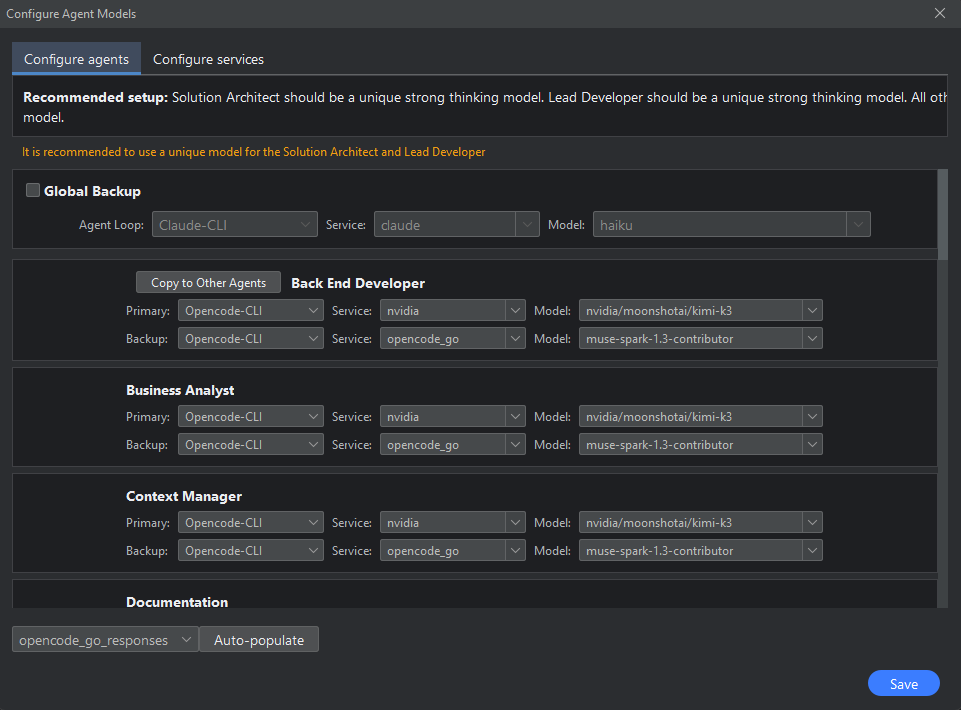
- Click on the Configure Agent Models button.
- If Using Opencode CLI, make sure to connect the services inside Opencode itself.
- Set up the agents with their models.
- Click on the Save button.
- Click on the New Project button and add a new project to work on.
Quick Start Guide
Set up a coding agent CLI and connect it to VisualAgentic's agent workflows. Choose your CLI below.
-
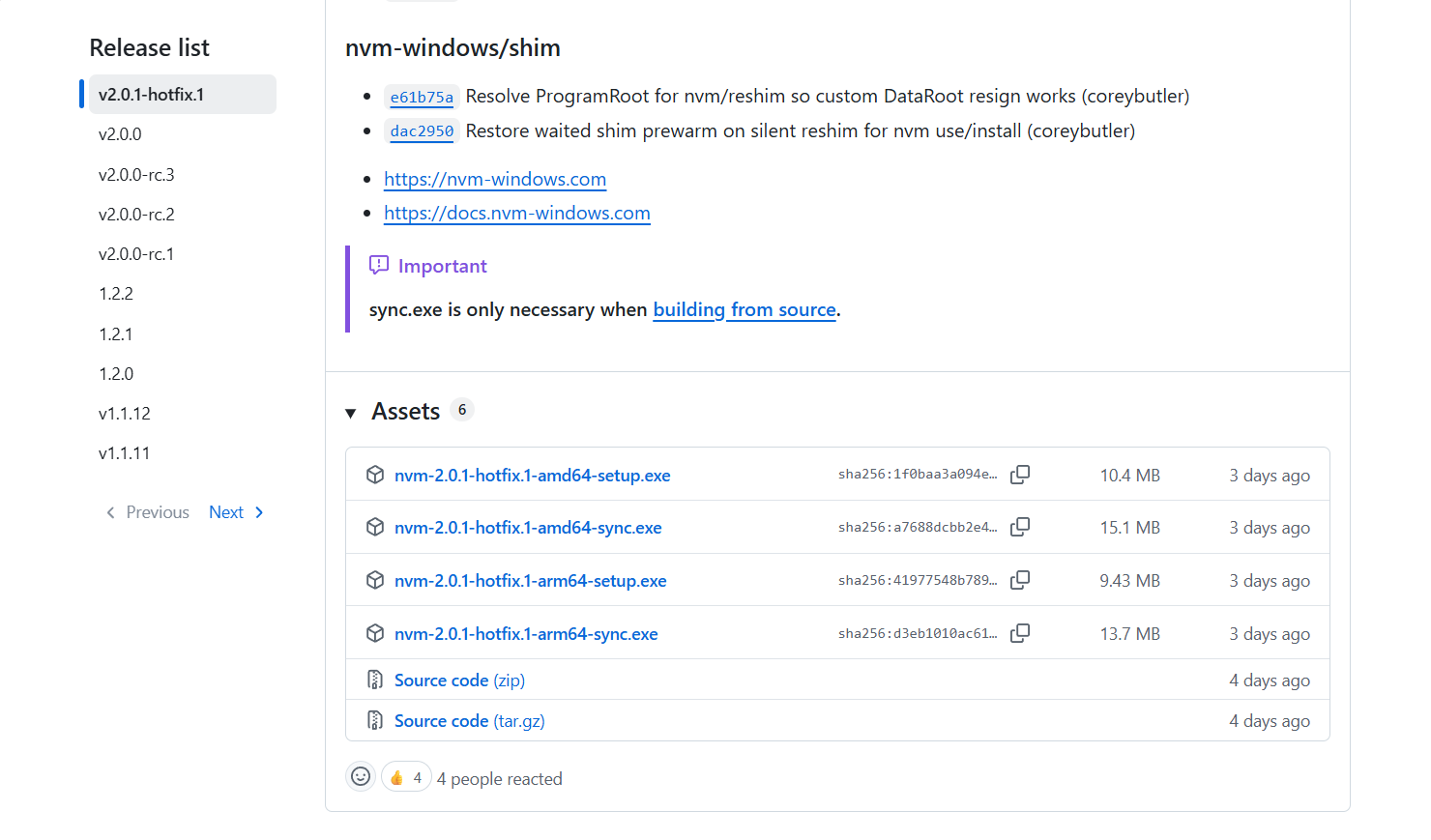
Install nvm for Windows from the nvm-windows site.
-
Open PowerShell.
-
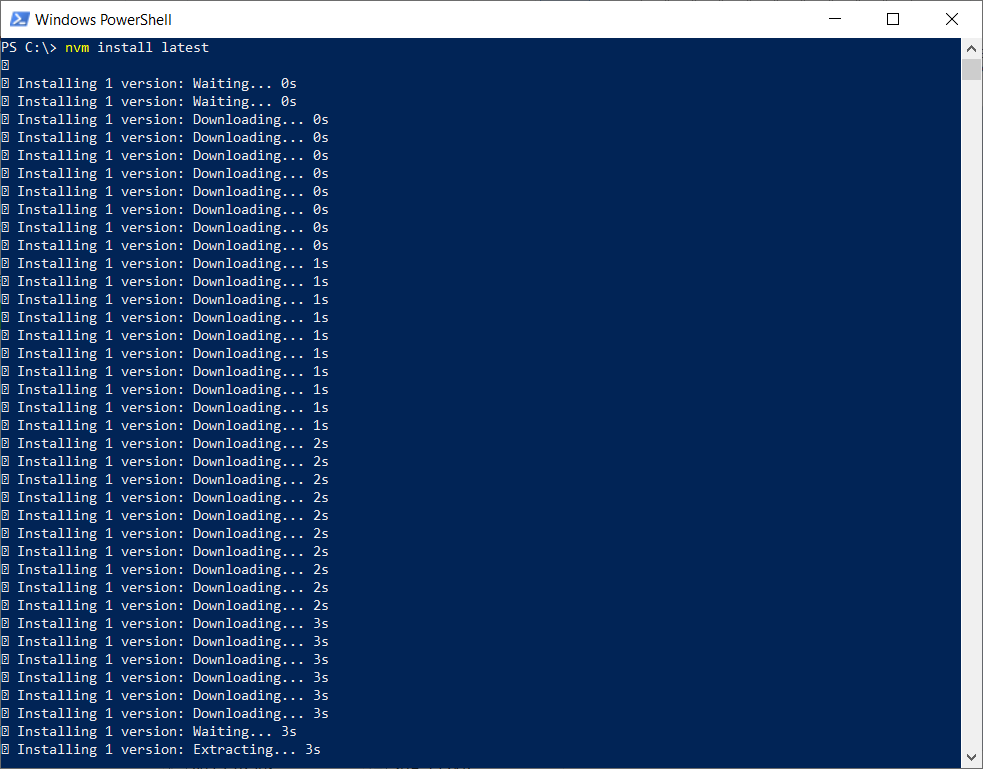
Install the latest Node.js version:
nvm install latest
 7. Allow install scripts for the
 opencode-ai package:
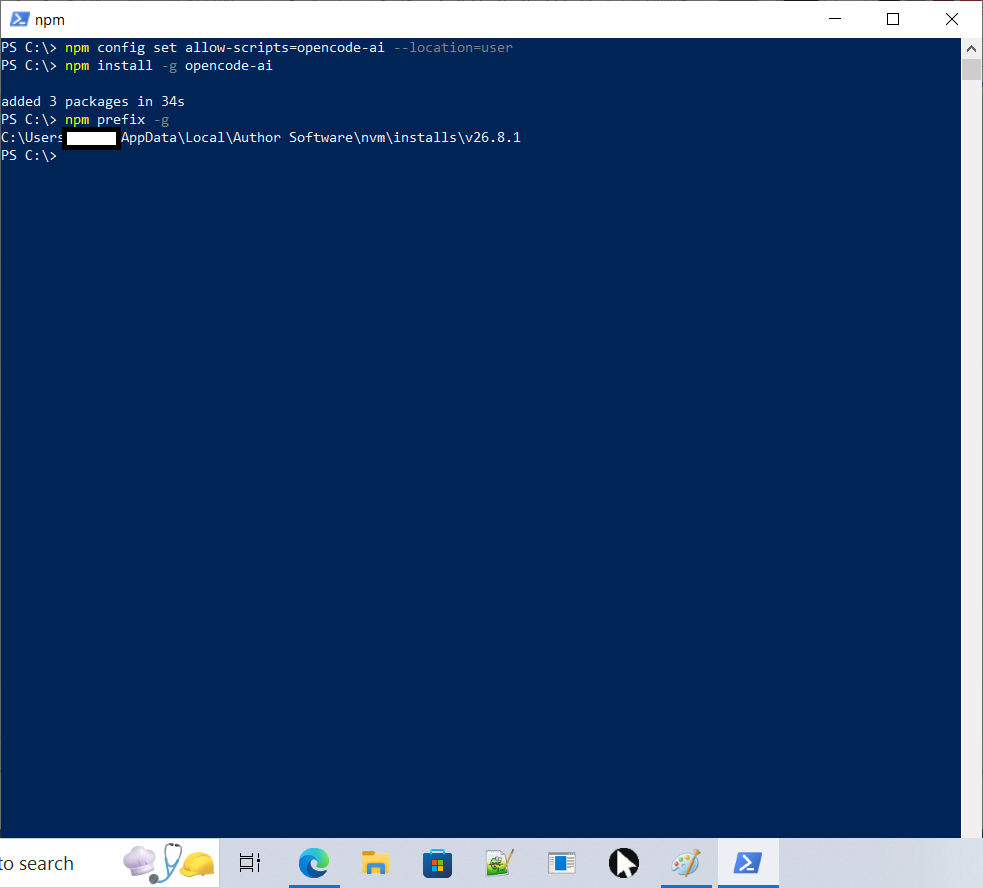
npm config set allow-scripts=opencode-ai --location=user
 8. Install OpenCode globally:
npm install -g opencode-ai
- Find the global npm prefix:
npm prefix -g - Run: Set-ExecutionPolicy -Scope CurrentUser -ExecutionPolicy RemoteSigned
- Add the path from step 9 to your system
Pathenvironment variable: Windows Search → "environment variables" → Edit the system environment variables → Environment Variables → select Path → Edit → New → paste the path → OK (three times).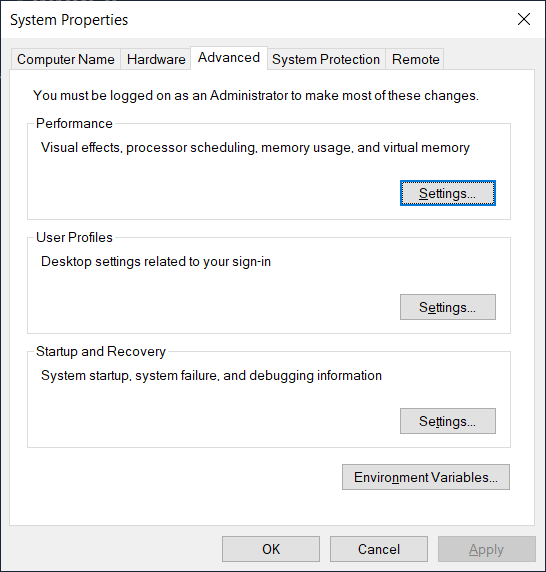
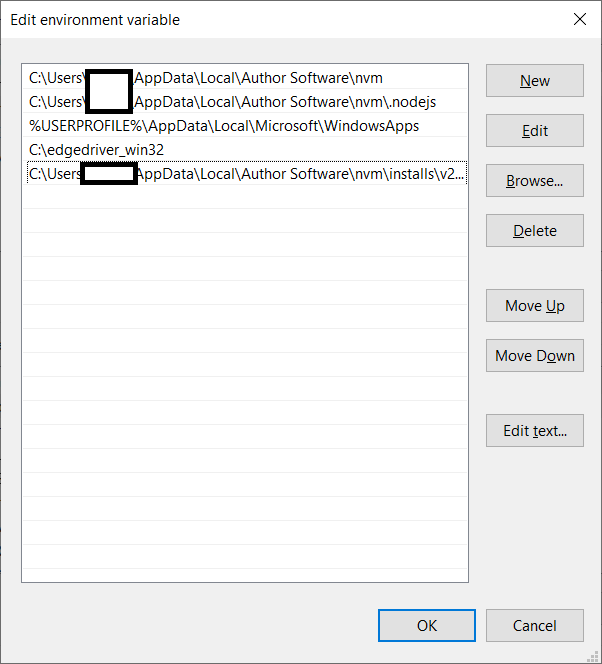
- Close PowerShell and reopen it.
- Run:
opencode
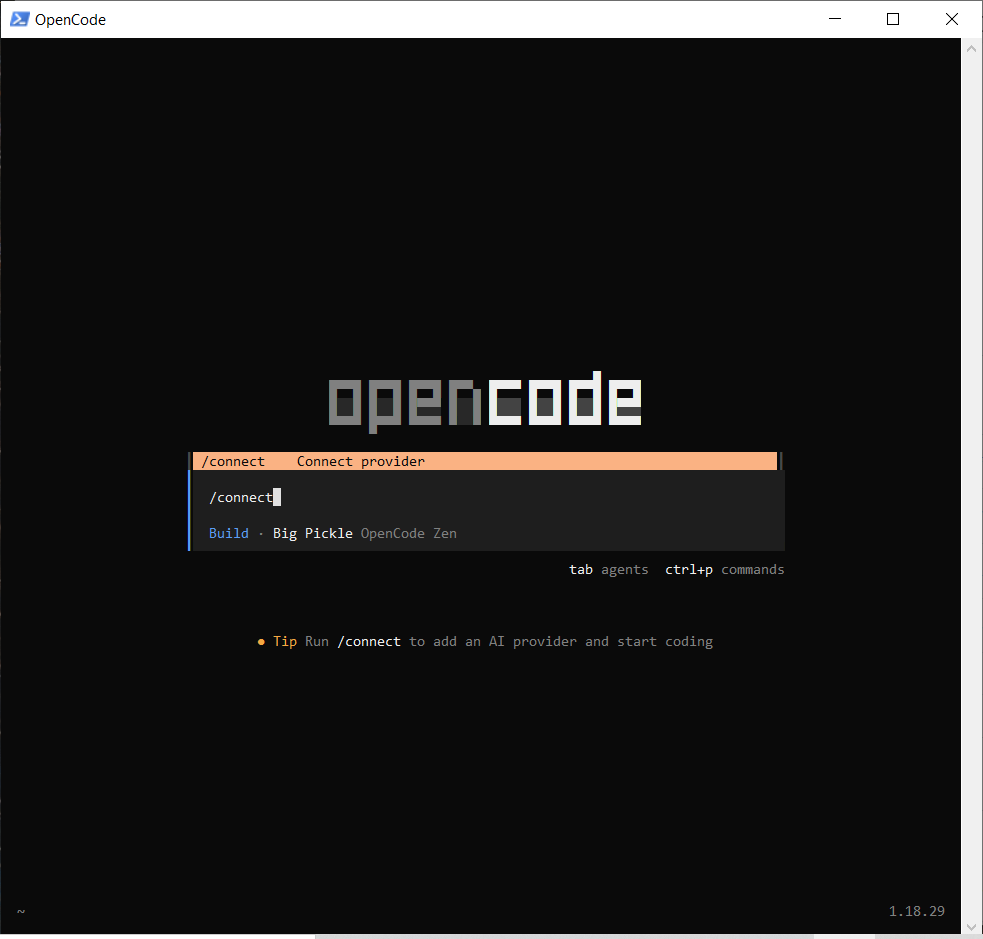 14. Run
 /connect.
- Add your provider(s).
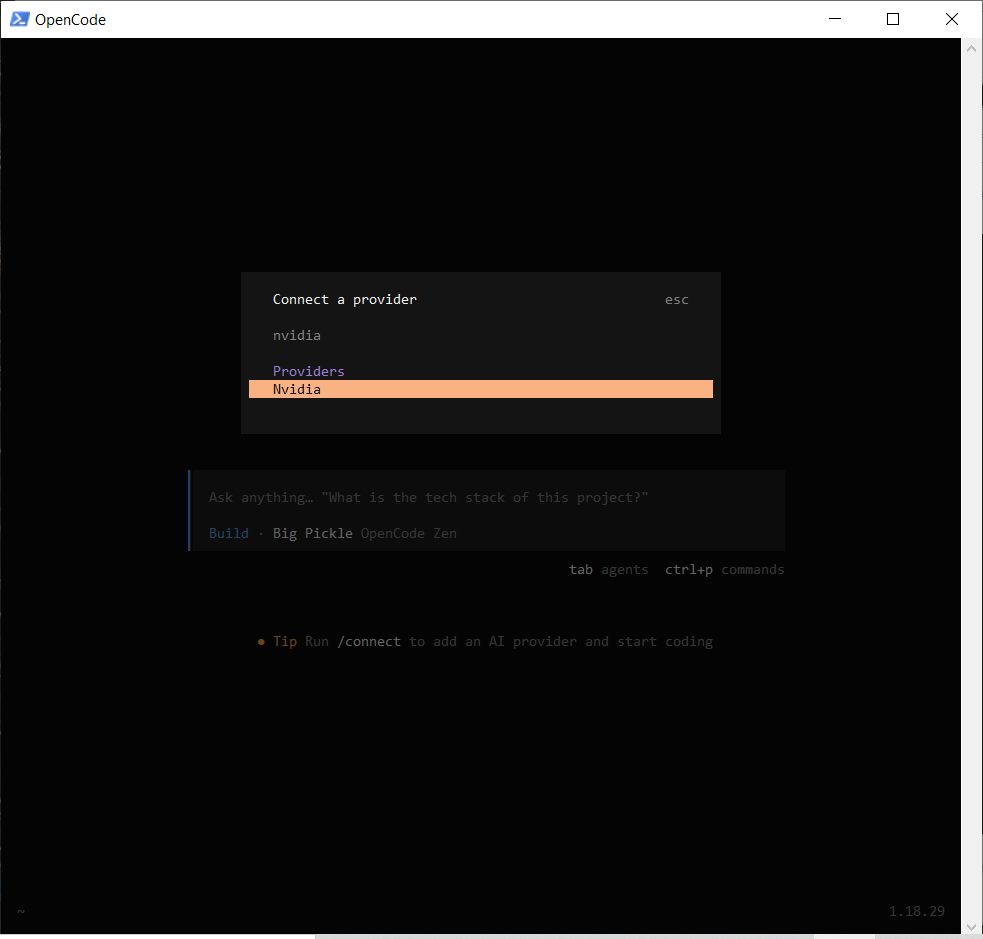
- Exit OpenCode.
- Open Visual Agentic: Windows Search → "Visual" → Visual Agentic.
- Click Configure Agents.
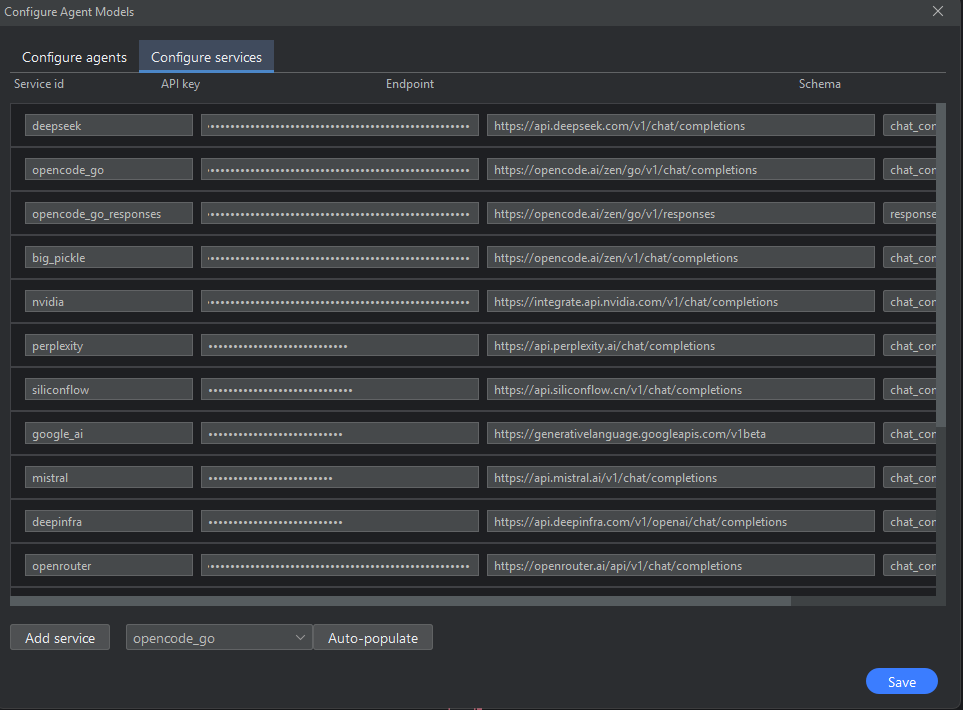
- Set your services in the services tab, then click on the agents tab to set up the agents, and save.
Install the Claude Code CLI and connect it to VisualAgentic's agent workflows.
- Open PowerShell.
- Install Claude Code (recommended, no Node.js required):
Or, if you prefer a package manager:irm https://claude.ai/install.ps1 | iexwinget install Anthropic.ClaudeCode - (Optional) Install Git for Windows so Claude Code can use the Bash tool. Without it, Claude Code runs shell commands through PowerShell.
- Close PowerShell and reopen it so
claudeis on yourPath. - Verify the installation:
A working install prints a version such asclaude --version2.1.211 (Claude Code). - Open a terminal in the folder you want to work in and start Claude Code:
claude - Log in when prompted — Claude Code opens your browser to authenticate. Claude Code requires a Claude Pro, Max, Team, Enterprise, or Console account.
- Open Visual Agentic: Windows Search → "Visual" → Visual Agentic.
- Click Configure Agents.
- Set your services in the services tab, then click on the agents tab to set up the agents, and save.
Requirements
- Windows 10 or later (64-bit)
- 8 GB RAM recommended
Support
Use the feedback form on this site to report issues.
Read the full README
For detailed configuration options, troubleshooting, and contribution guidelines: README